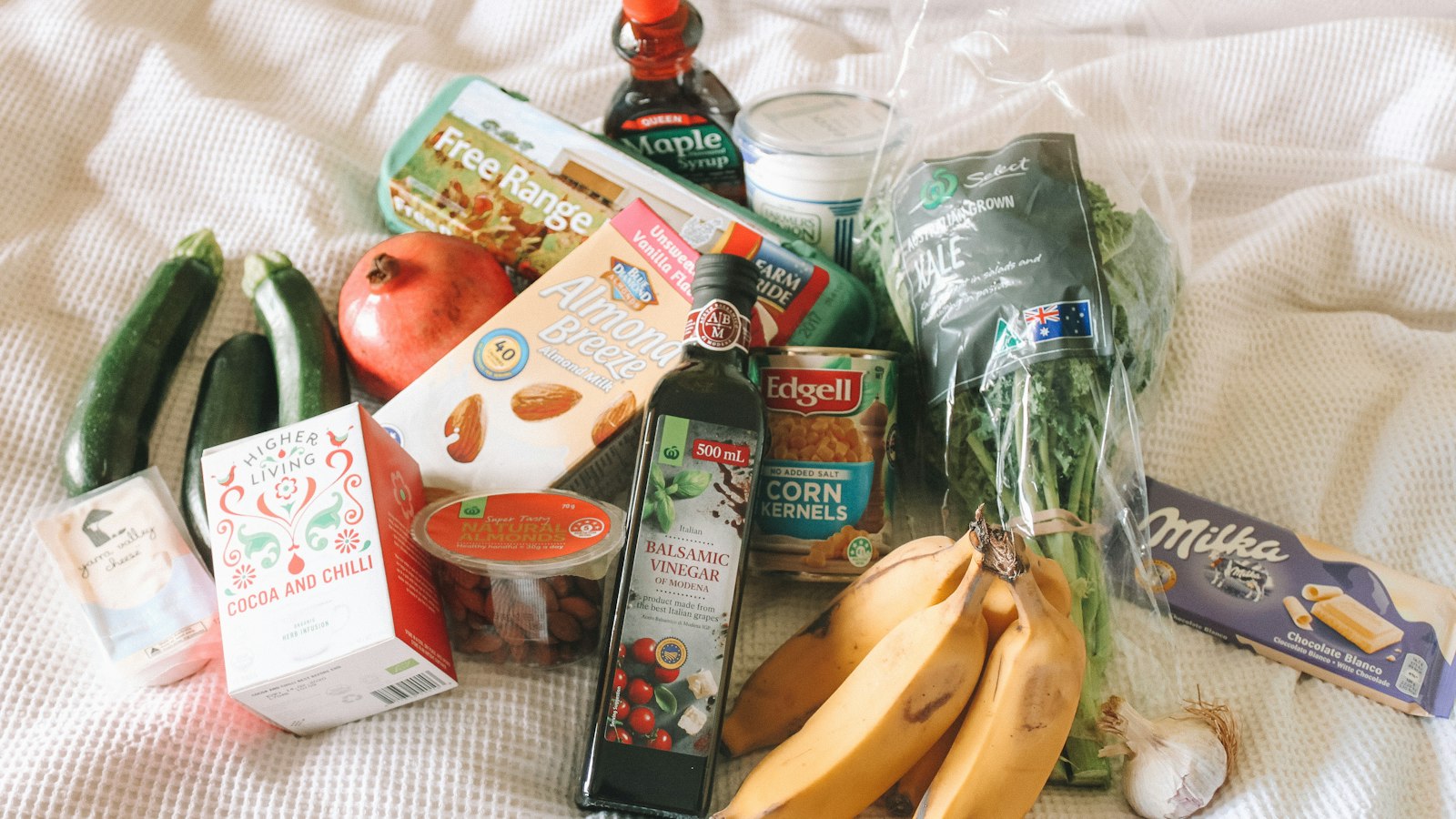
meal planner with shopping list
Why Your Meal Planner Needs a Shopping List Built In (Not Bolted On)
A meal planner with shopping list isn't a feature, it's the whole point. How lists built from your plan and sorted by aisle cut list-writing and mid-week 'top-up' shops.
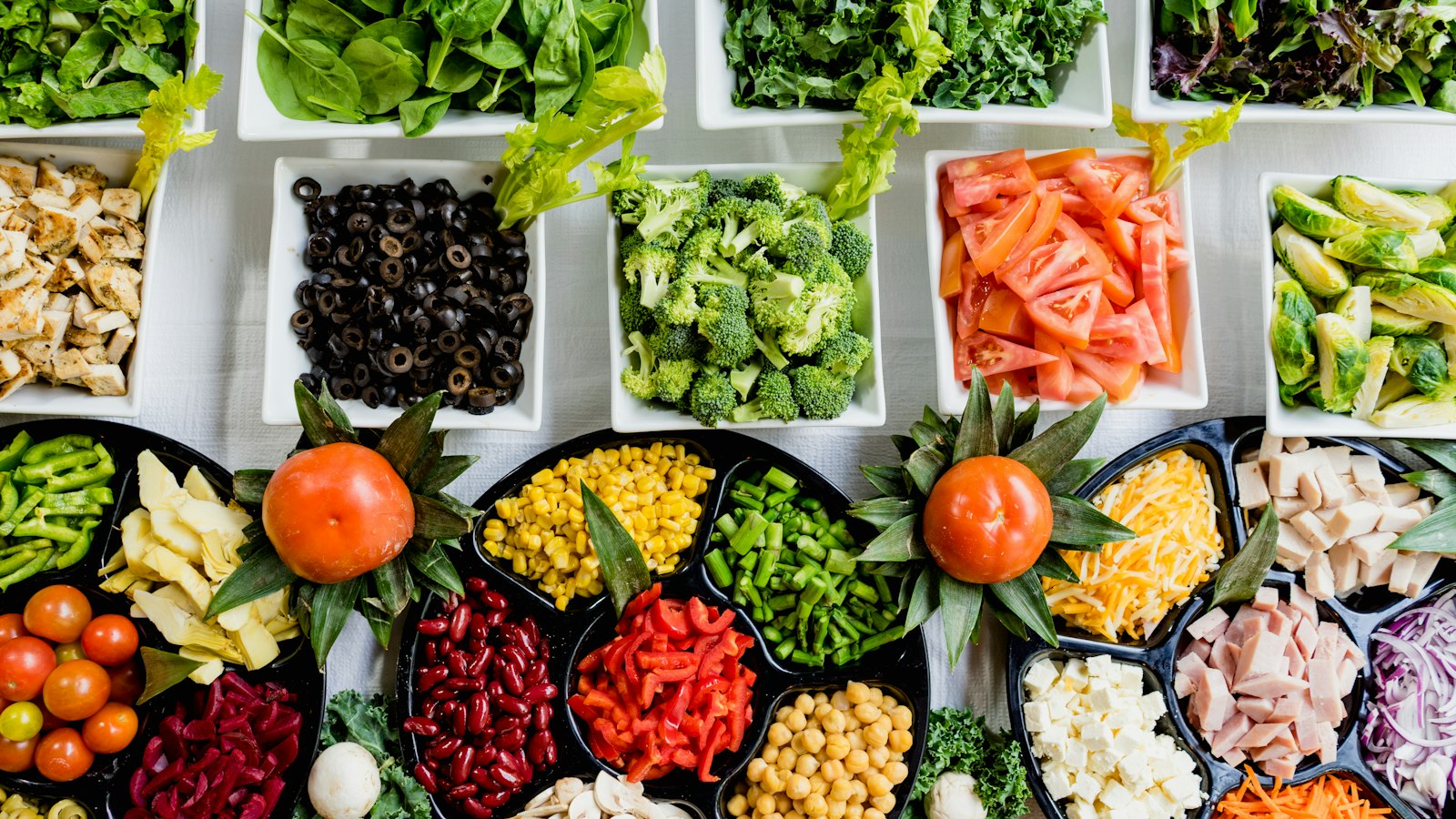
Most people who quit meal planning quit at the same step: they planned the week, then had to manually rewrite every ingredient into a shopping list. A meal planner with shopping list built in fixes that, but only if it's done right. 'Integrated' means more than 'in the same app'.
What 'integrated' actually requires
- Plan a meal → ingredients flow automatically into the list.
- Review quantities as written in each recipe.
- Identical ingredient strings are listed once; differing quantities are not summed.
- The Pro plan-to-list action skips ingredients matching tracked pantry items.
- Aisle sorting happens before you leave the house.
Apps that store recipes and lists separately fail at all five.
Where the time goes back
The time comes back in three places: not writing the list by hand, not standing in front of the fridge checking what you have, and not making a mid-week top-up trip because the original list was incomplete.
Aisle-sorted lists end backtracking
Walking the supermarket front-to-back instead of zigzagging is a small thing that compounds. A good meal planner with shopping list groups items by aisle (produce → dairy → frozen → pantry) so you make one pass.
What to plug in next: the budget
Once your list is auto-built, log the total spend at checkout. That's the start of a working food budget, and the next post in this series covers exactly that.
Try the workflow
Meal Planning Hub builds an aisle-sorted grocery list from your plan in one tap on Pro, skipping matches in your pantry. Manual planning and grocery lists are free.