grocery list template
The Grocery List Template That Actually Works (And Why Yours Doesn't)
A grocery list template works best when it's aisle-sorted and checked against what you already have. Here's how to organize one for your weekly shop.
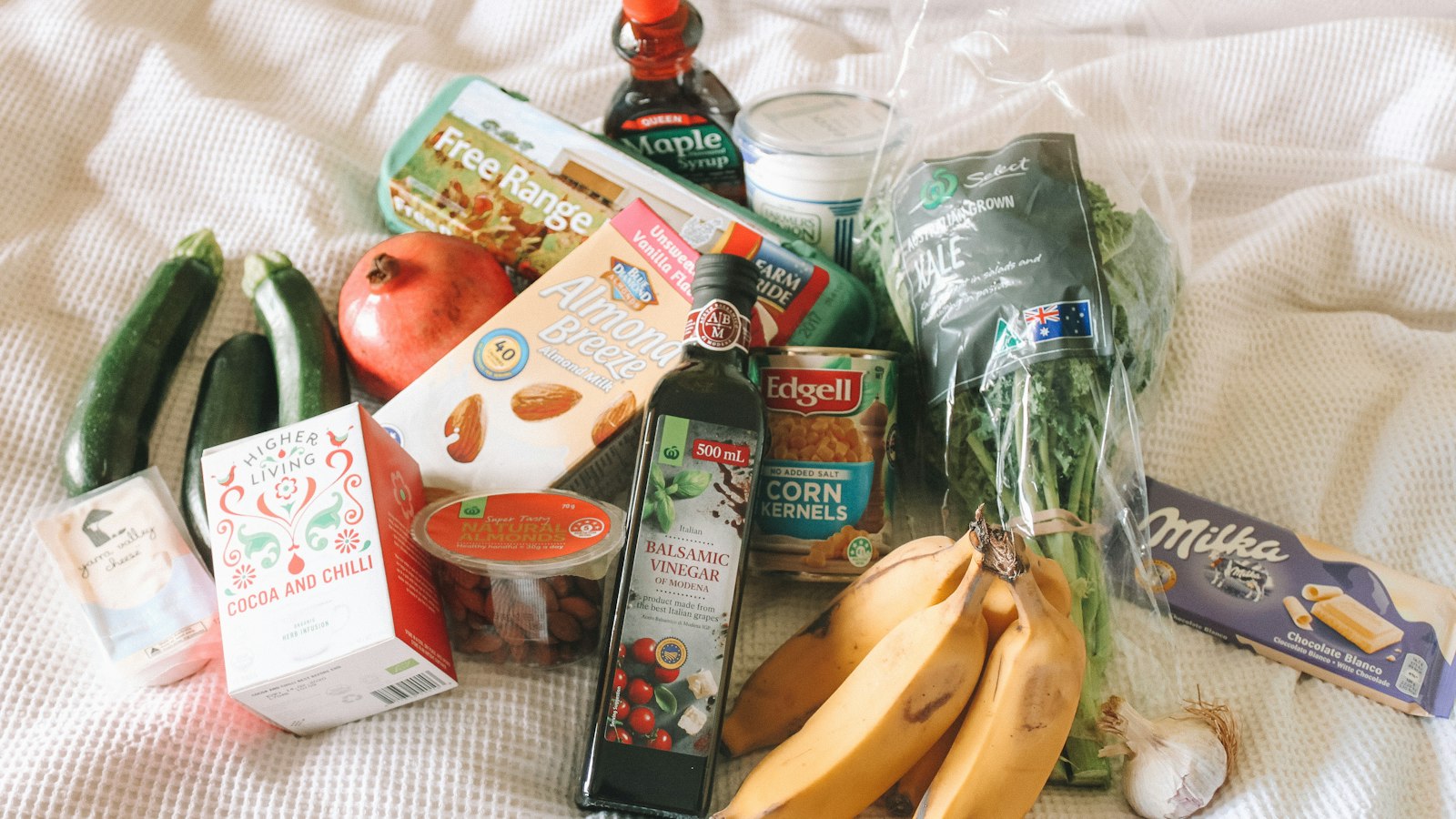
A grocery list template is one of those things that sounds trivial and turns out to matter enormously. The wrong layout, alphabetical, or grouped by 'category', makes you zigzag the store, forget items, and pop back mid-week for the one thing you missed. The right one gets you in and out in one pass.
The only layout that matters: aisle order
Group items by the section of the store, in the order you walk it. For most supermarkets that's:
- Produce (fruit, veg, herbs)
- Bakery
- Meat & seafood
- Dairy & eggs
- Frozen
- Pantry / dry goods
- Household & non-food
Rewrite your list in this order once, and you'll never go back to alphabetical.
What a working grocery list template includes
- Item name + quantity in one field (2 lb chicken thighs, not 'chicken' on one line and '2 lb' on another)
- A checkbox column wide enough to actually tap on mobile
- A 'have at home' column to subtract pantry items
- A running total so surprises at checkout stop happening
- A 'maybe' section for impulse items, write them down but don't commit until the end
Why paper templates hit a wall
Paper lists don't scale recipes, don't sync with a pantry, and don't remember what you bought last week. That's fine for a single quick trip, but for weekly shopping, a connected meal planner with shopping list built in saves rewriting and helps avoid the mid-week top-up.
Copy this template
Sketch the seven aisle-sorted sections above on one page. Print ten copies. Use one per week for a month. If you feel the friction, rewriting, missing items, running out of space, that's when it's time to move to an app that generates the list for you.
Auto-generated, aisle-sorted, always current
On Pro, Meal Planning Hub builds the list from your weekly plan in one tap, sorts it by aisle and skips pantry matches. The grocery list itself is free, syncs across web and mobile, and needs no credit card.